Events, Calendar, and Links
Events Widget
Use the Events Widget to bring back an event listing based on various criteria.
- Click on the Add Content button and choose the Events Carousel widget.
- The widget will automatically add itself to the very bottom of the page.
- The default layout is a three-column wide carousel, but you can choose which events you want to bring back based either by the promotion type or the category.
Calendar Widget
- Click on the Add Content button and choose the Calendar widget.
- The widget will automatically add itself to the very bottom of the page.
- There are no other layout options for the calendar widget other than 1 column width.
Links Widget
The Link List Widget allows you to create important lists in the widget section for anything you need.
- Click on the Add Content button and choose the Links widget.
- The widget will automatically add itself to the very bottom of the page.
- There are no other layout options for the Link List widget other than 1 column width, however, you can choose to display either a ticket icon or a default link icon.
The Ticket Icon is great if the items in the list have to do with events, e.g. upcoming on sales, events that have just been added, VIP packages, etc. The Default Icon (or regular link icon) is used for all other types of lists.
The default title of the list is "Upcoming On-Sales," but you can change the title by clicking directly on the title text; it will become editable. Once you've changed the title, click Save Title on the right-hand side of the widget.
Upcoming Events
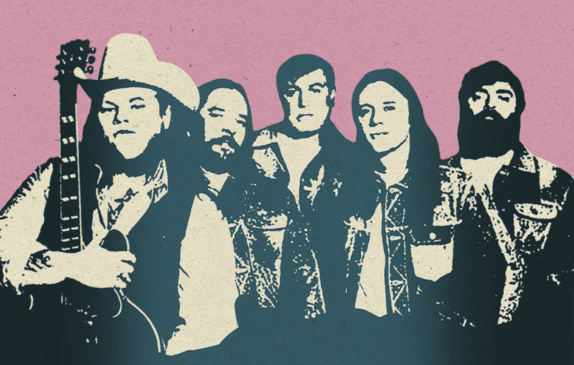


Saturday | Sep 19, 2026
YSL Records & Young Thug Presents: The New Generation Tour
Young Thug With special guest NAV
Event Starts 8:00 PM


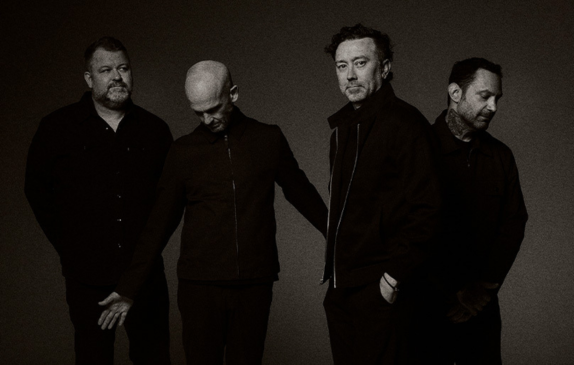
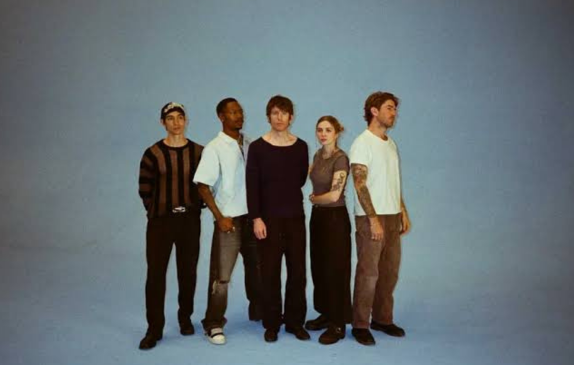
Tuesday | Sep 29, 2026
Turnstile
The Never Enough Tour Pt. 2 With Yves Tumor, Angel Du$t, & Agnostic Front
Event Starts 8:00 PM


Sunday | Oct 4, 2026
Dermot Kennedy
The Weight of the Woods Tour With Jonah Kagen
Event Starts 8:00 PM


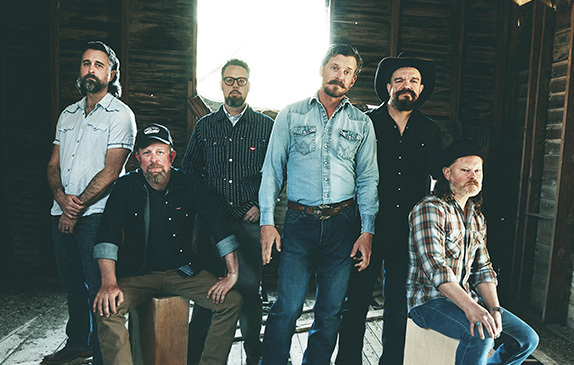
Saturday | Oct 10, 2026